Separate the three locations
Current location is your device’s estimate. Pickup is where you meet. Destination is where you want to go. Check all three; a familiar area name is not an exact roadside instruction.
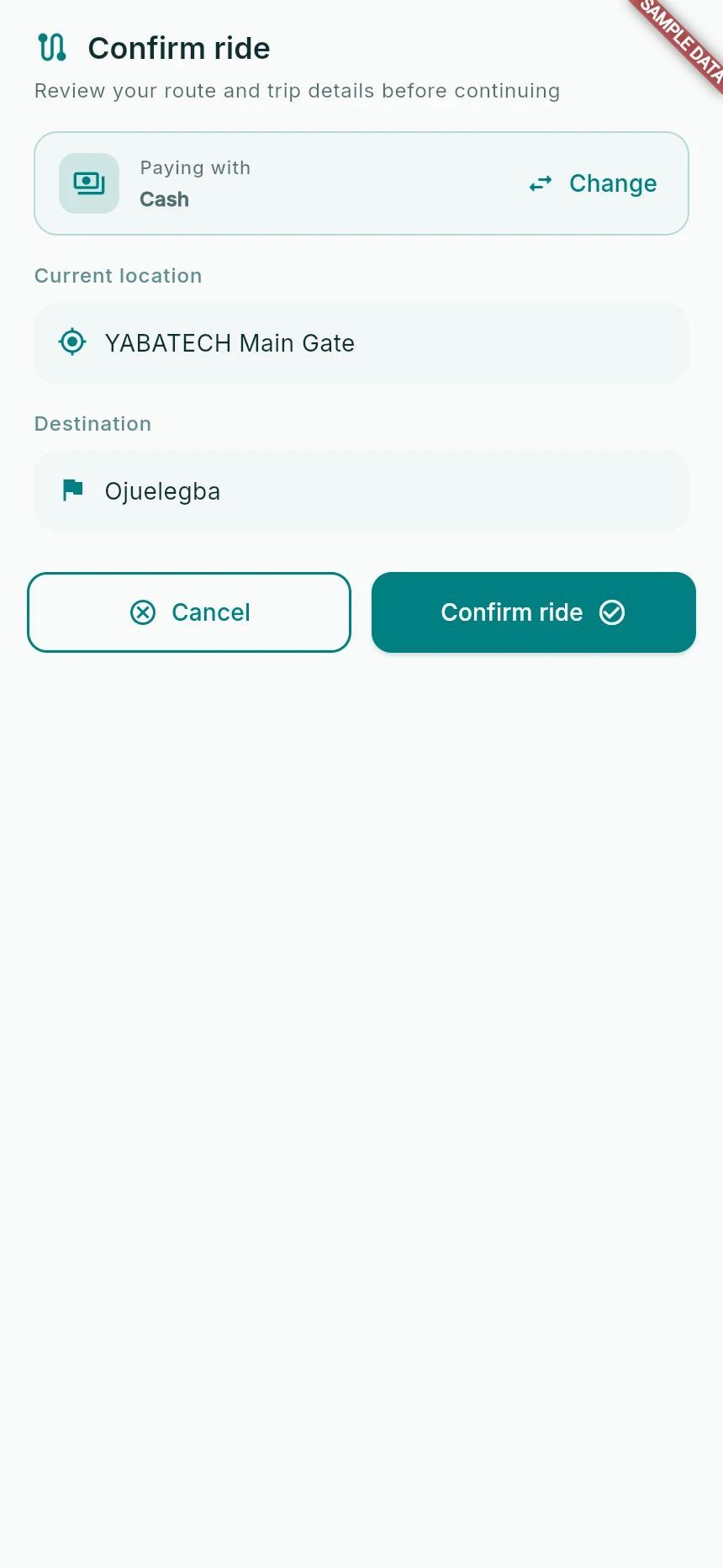
Review the route and payment choice before requesting.
Web app · sample data · Captured 2026-09-25
- 1Check pickup and destination separately.
- 2Use Change if the payment method is wrong.
Check the active area
The app can show map roads and search results beyond the area where requests are accepted. If it says the area is not served, do not move the pin to a false location to get through the check.
Read the approach
Follow the relevant walking or driver-approach instruction. Check the road side, entrance and public landmark. If the proposed approach is impractical, use the available contact option and resolve it before boarding.
Refresh a poor GPS fix
Enable location for both phone and browser. If Location unavailable appears, check the settings and tap Retry. If the route itself fails after the position is ready, use Retry route when shown.
How you know it worked
Your request uses a real position and a meeting point both parties can identify.
A useful next step
If something goes wrong
The name is vague or wrong
Use the map position as well as the label. Report the public landmark, road side and problematic label to support. Do not publish your home coordinates in public screenshots.
No driver appears inside the service area
Coverage is not a promise of available supply. A driver with a compatible route and sufficient seats still needs to be available.