Identify the kind of problem
An empty result means no suitable driver is currently shown. Couldn’t update your matches means the app could not refresh the request. Those are different problems; check the message before starting again.
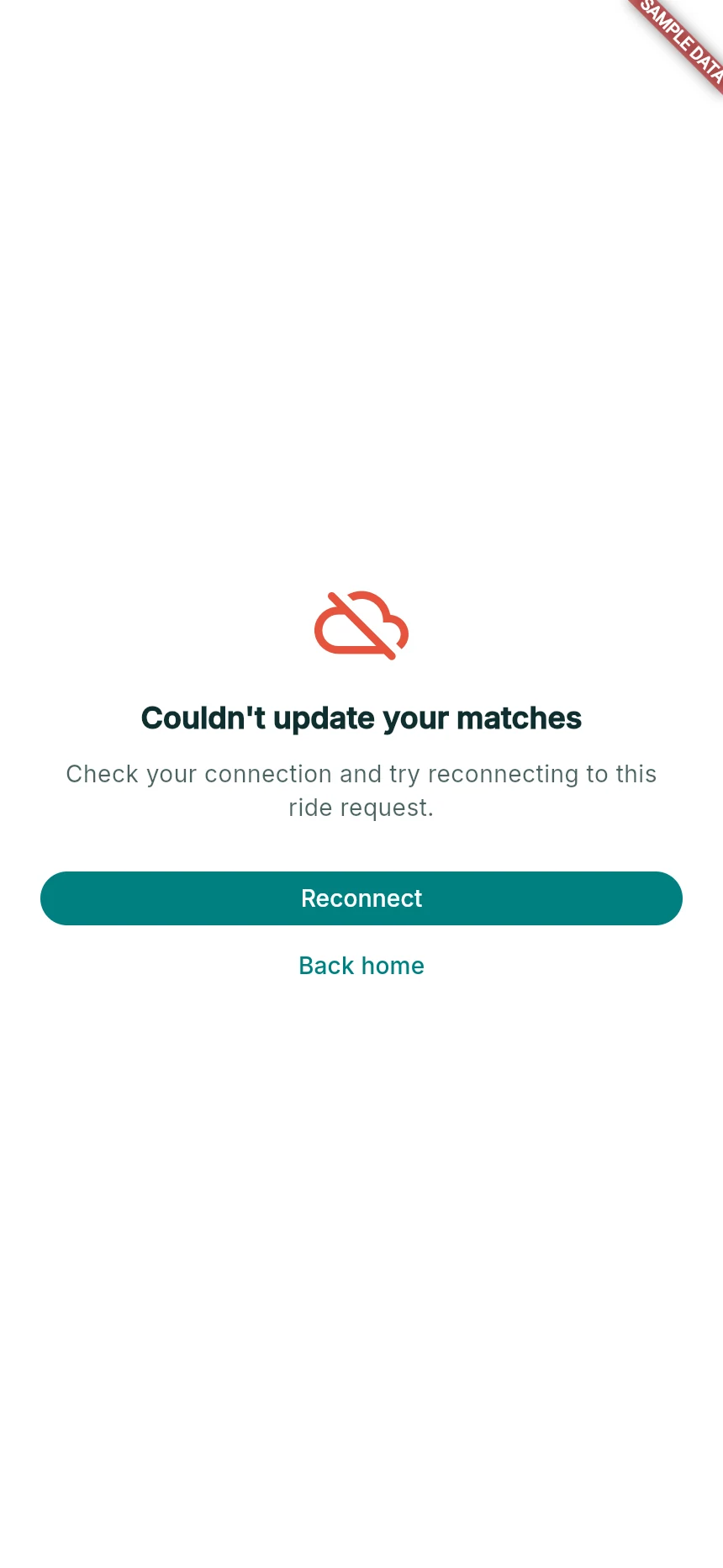
A failed matching refresh with recovery actions.
Web app · sample data · Captured 2026-09-25
- 1Reconnect tries to restore the existing request.
- 2Back home is navigation; do not assume it confirms cancellation.
Reconnect the existing request
For a connection problem, restore data/Wi-Fi and use Reconnect. Wait for a current result. If you leave using Back home, check whether the app offers to resume the existing request before creating another one.
Choose another valid option
If the selected driver is gone or full, read the reason and any current alternatives. Recheck the new driver’s pickup, vehicle and amount rather than assuming the original arrangement still applies.
Cancel intentionally
If you no longer want to travel, use Cancel Request or the current cancellation control and read the confirmation. Wait for the acknowledged outcome. Closing a browser tab is not a reliable way to cancel.
How you know it worked
You have either resumed one current request, selected another valid option or received a confirmed cancellation.
A useful next step
If something goes wrong
Money is still held after cancellation
Check Wallet for Funds Released or the relevant transaction state. If the hold remains unavailable, contact support with the trip and payment reference.
The same recovery screen returns
Send support the visible message and what happened immediately before it. Do not clear all browser data while a trip or payment may still be active.