Check the connection first
Restore Wi-Fi/mobile data and look for the current error. Reconnect, Retry and Try again apply to the screen that failed; use the available action before restarting the whole process.
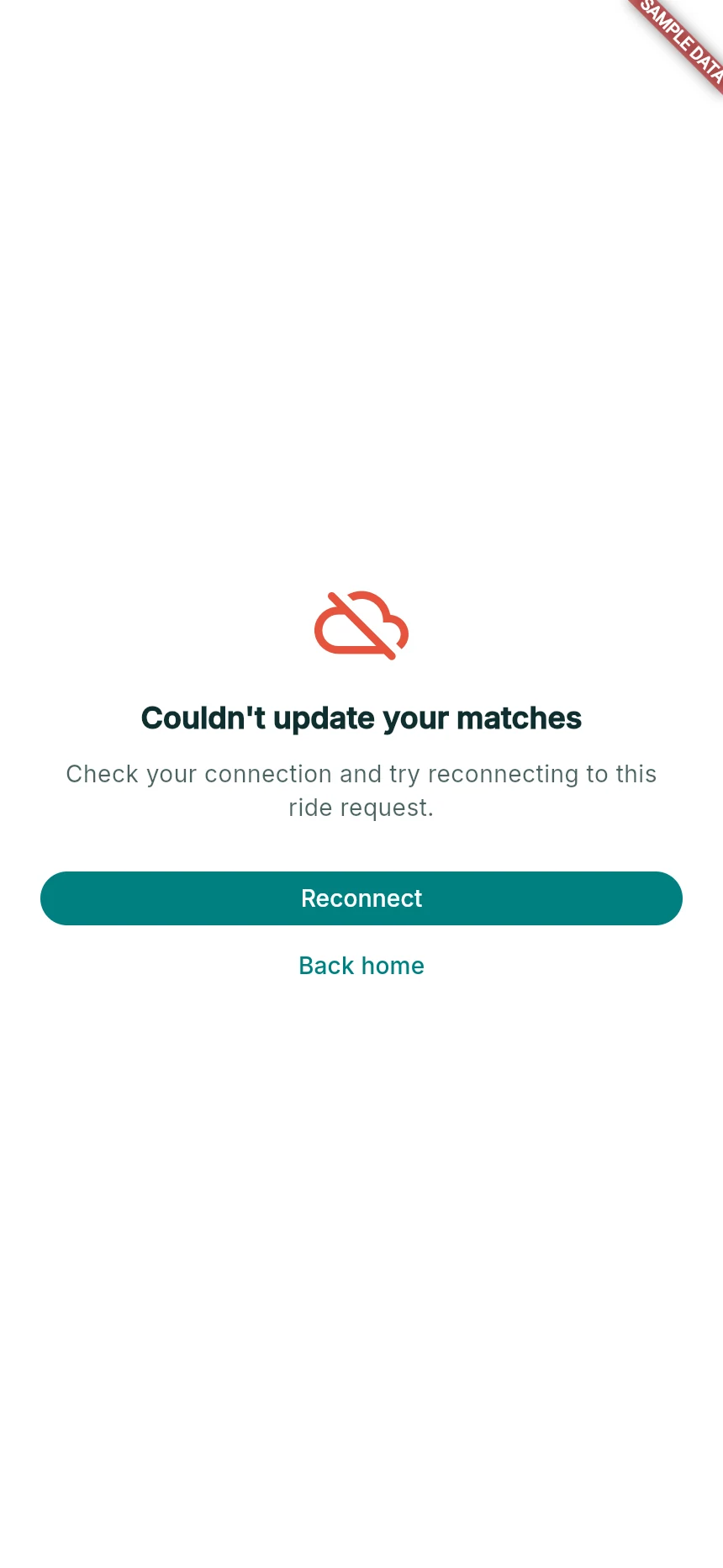
A failed matching refresh with recovery actions.
Web app · sample data · Captured 2026-09-25
- 1Reconnect tries to restore the existing request.
- 2Back home is navigation; do not assume it confirms cancellation.
Let the active state restore
If you were matching or riding, allow the app to restore that same request/trip. Confirm its current driver, route and payment state. Do not start another request just because a loading screen appeared.
Refresh while idle
If you need to reload the web app, first finish or resolve an active ride, document upload or checkout. Reopen the same app URL and sign in with your existing account if asked. Do not clear all browser storage as a routine update step.
Report a persistent mismatch
Record the visible message and device/browser. The current version-information display is being improved; do not look for a version button that is not on your screen. Support can help identify the build from the available context.
How you know it worked
You resume the correct account and operation, or have a clear problem report without duplicate requests or payments.
A useful next step
If something goes wrong
I see old content after a refresh
Close idle duplicate tabs and reopen the app. If the problem persists, contact support rather than deleting an active session’s local data.
Verification looks different after reconnecting
Let the status check complete. The last saved status and a failed refresh are not the same as a new rejection.