Before you begin
- Sign in and allow location access.
- Know the destination and how many people are travelling with you.
Choose where you are going
On Rider Home, tap Where are you going? and search for your destination. Choose the result whose name and location match the place you intend to reach.
Review the route
Check your current location, pickup and destination on the route preview. Read any walking requirement. Correct an inaccurate location before sending the request.
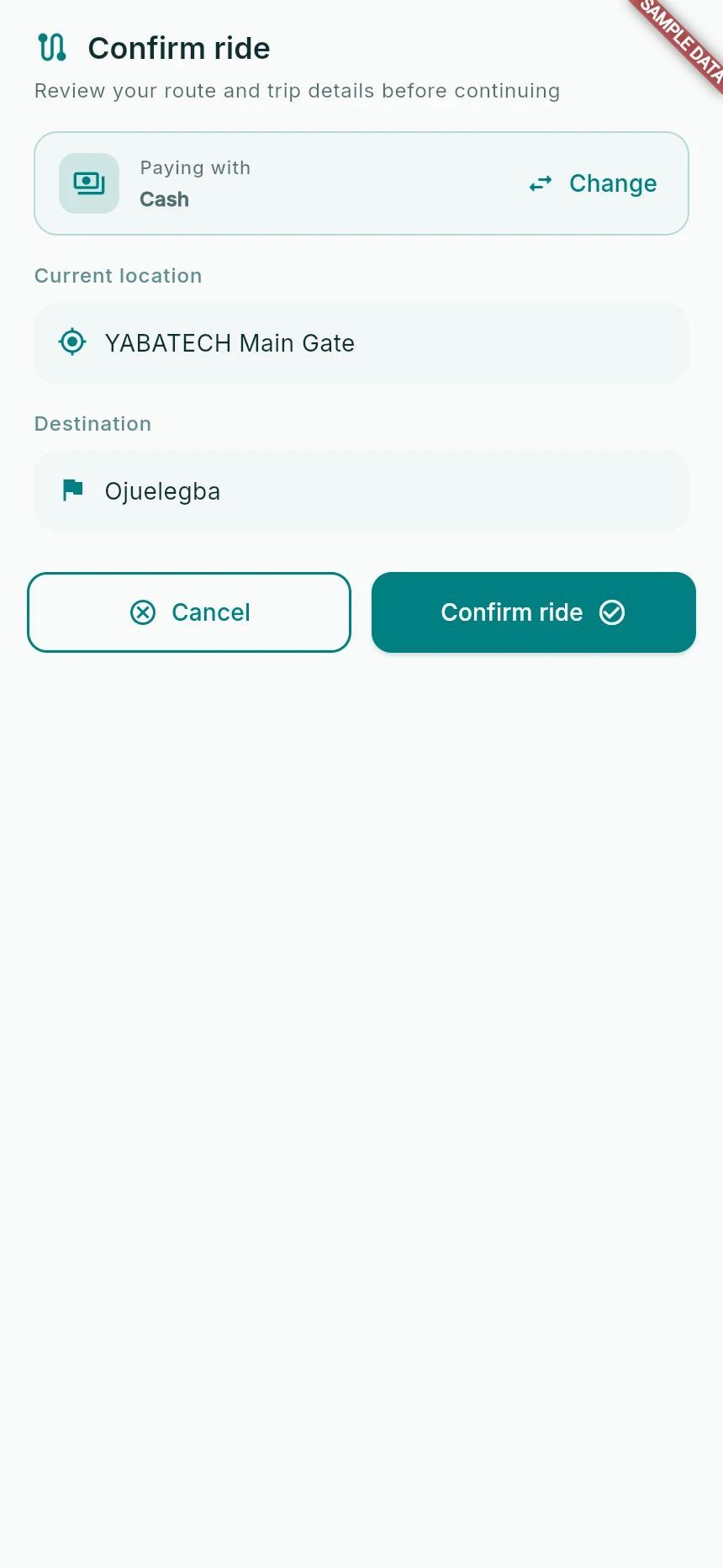
Review the route and payment choice before requesting.
Web app · sample data · Captured 2026-09-25
- 1Check pickup and destination separately.
- 2Use Change if the payment method is wrong.
Set the request details
Choose Along and the correct number of seats wherever the passenger control is shown. Include everyone travelling with you. Do not assume a displayed fare should be multiplied again; review the amount shown for your request.
Choose payment and request
Select Cash or Wallet from How would you like to pay?, then Continue. Review the final details and use the request action. Wait for the app to move into matching rather than submitting repeatedly.
How you know it worked
The matching screen opens for one request and begins showing compatible drivers, or explains why no match is available.
A useful next step
If something goes wrong
Wallet cannot be selected
Check the balance shown. The app may ask you to top up to meet the required amount or offer Use cash instead.
The route does not build
Resolve location permission and GPS first. If it still fails, use the route retry or contact support with the pickup and destination.