Open Help & Support
Choose Help & Support from the menu. Browse FAQs for an explanation, or open Contact support for the channels currently available to your account/region.
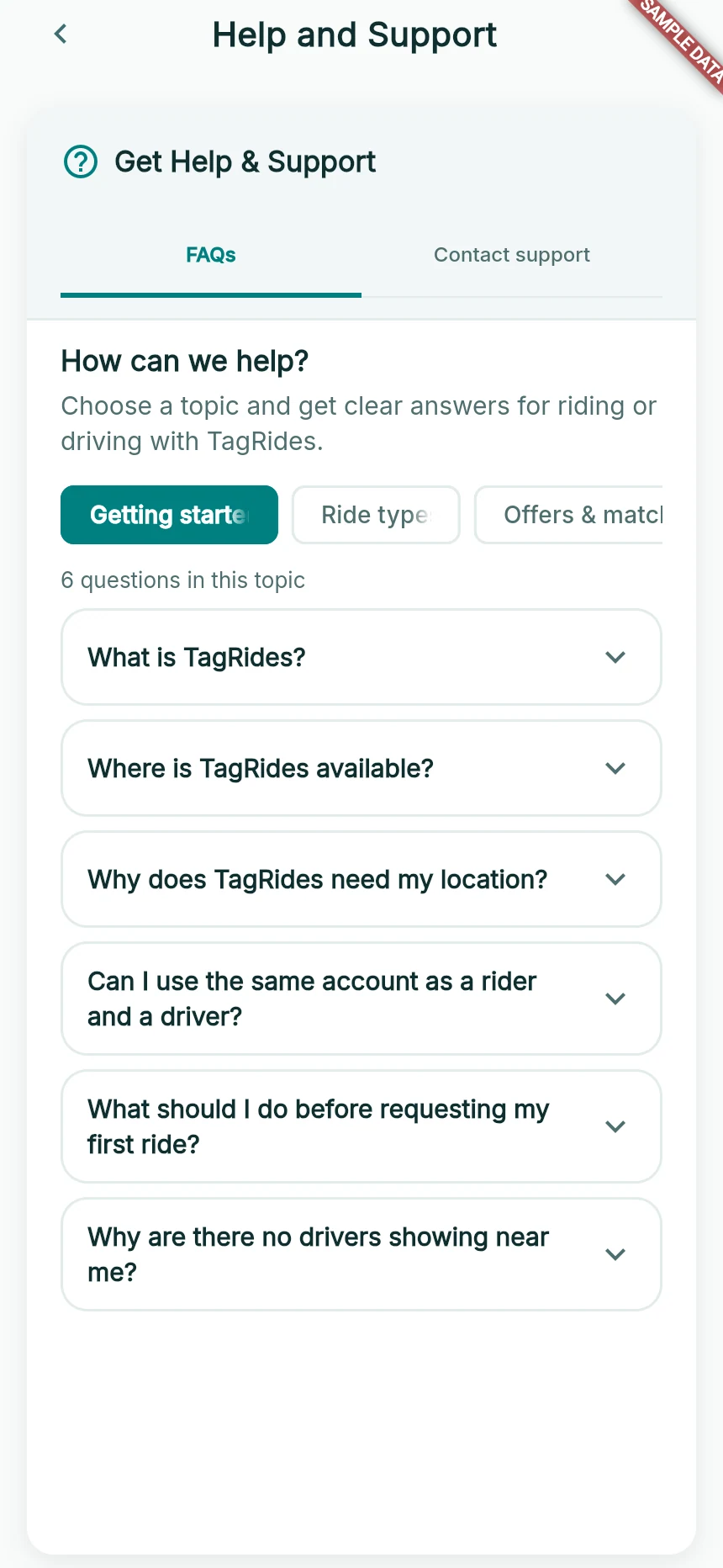
The app’s own Help and Support screen.
Web app · sample data · Captured 2026-09-25
- 1Switch from FAQs to Contact support when you need assistance.
- 2Choose a topic, then open a question.
Include the relevant details
For a trip: date, pickup, destination and the person/vehicle involved. For payment: amount, date and reference. For account/verification: your registered phone number, the section and exact message. A clear screenshot can help.
Describe the last action
Say what you tapped, what you expected and what appeared instead. Include your browser/device and whether you were online. Never send your OTP, PIN, password or full card details.
Use emergency services for immediate danger
TagRides support is not an emergency service. For immediate danger, contact local emergency services first; use the emergency number shown for your location when appropriate. An in-app report does not guarantee immediate emergency intervention.
How you know it worked
Your message contains enough context for support to identify the issue and advise the next step.
A useful next step
If something goes wrong
The external contact app does not open
Use another available channel or copy the displayed contact information. Return to TagRides after sending the message.
I have not had a response yet
Keep the reference and avoid sending contradictory duplicate requests. Response availability can vary; do not rely on a marketing-style timing promise for an urgent situation.